How can I transfer my lists and accounts between two computers?
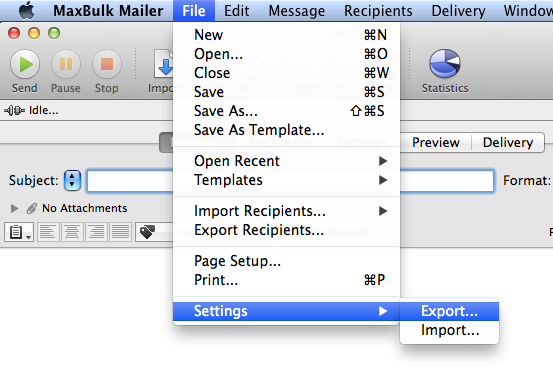
MaxBulk Mailer offers a very simple way to transfer settings between computers. With settings I mean everything, Preferences, E-mail Accounts, Recipient Lists, Templates, Favorites, Pictures and the Delivery History. You can actually choose what to export, create a transfer file, move that file to the other computer or to your Dropbox folder and then import it into the other MaxBulk Mailer copy.
More info: https://www.maxprog.com/site/blog/post.php?id=301
More info: https://www.maxprog.com/site/blog/post.php?id=301


Comments